

How it works
Step 1 is already done.
-
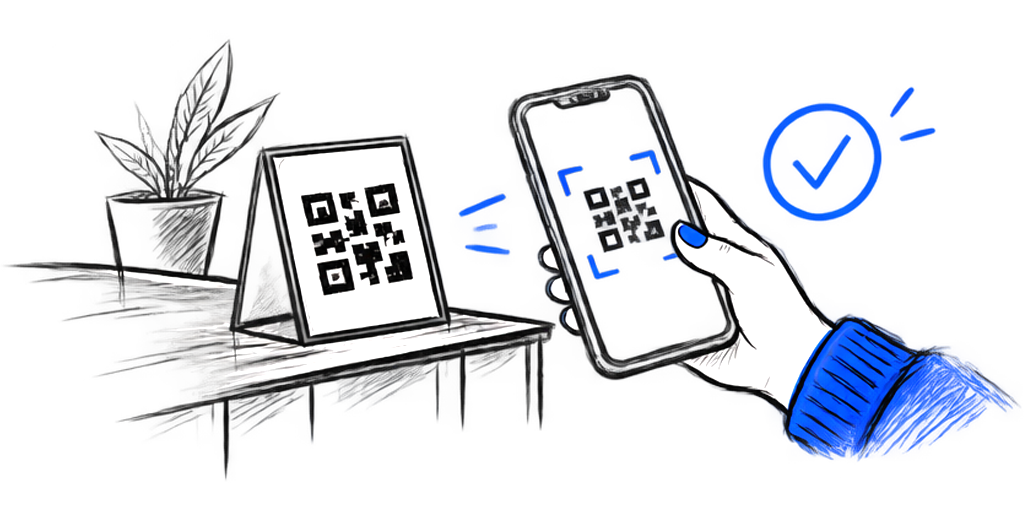
Scan the QR
Find out how Drahenix Points work.
-
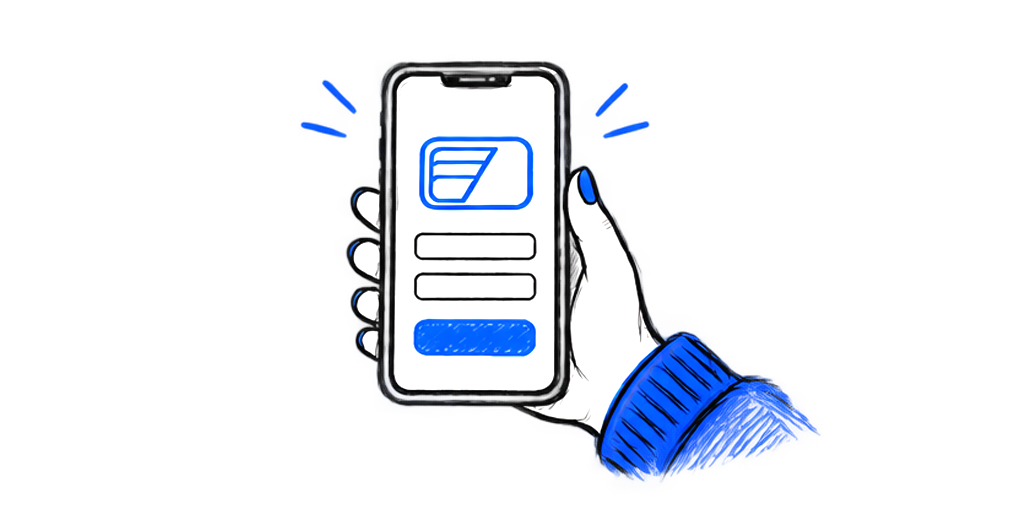
Create your Wallet
Sign up in about a minute. Your Wallet keeps your balance, your history and your rewards.
-
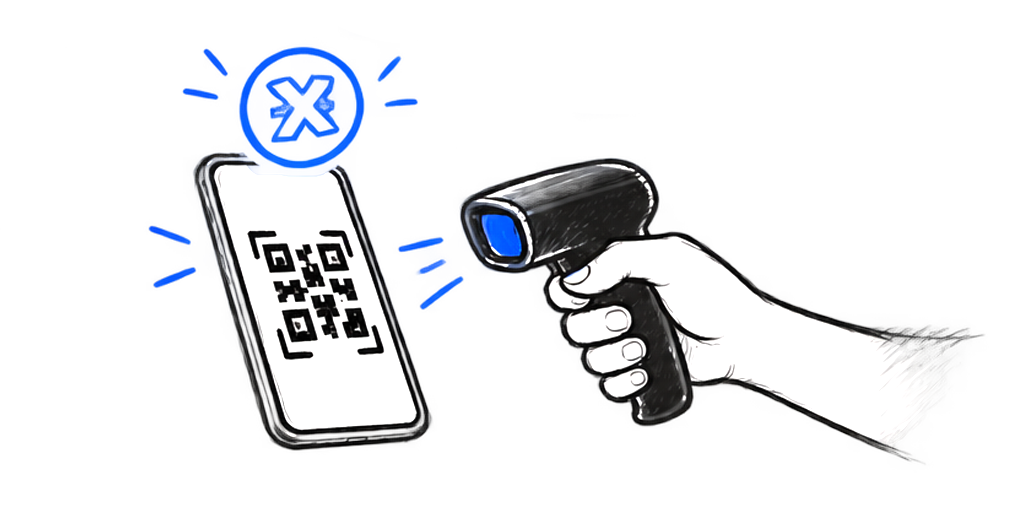
Show your code
Show your temporary QR code to the staff to earn points or redeem a reward.
Examples of what you can earn
Drahenix Points are rewards you earn from eligible purchases and promotions at participating businesses. You can't buy them: you earn them and use them for rewards. Amounts are written as DXP, short for Drahenix Points.
Examples only. Each business sets its own promotions and rewards.
Learn more about PointsPromotions
Rewards
Your Wallet
Everything in one place: your points balance, your history of what you've earned and used, the rewards available to you, and the temporary QR code you show at the counter.
One account, on your phone. It works wherever Drahenix Points are accepted.
Where your points work
Use them in PlusReal, Lunaria and Lumine, and at participating businesses as they join. Each business chooses its own promotions and rewards.



Good to know
Is it free?
Yes. Creating a Wallet is free.
Do I need to install an app?
No. You create and use your Wallet from your phone's browser, with nothing to install.
What do I show at the counter?
Your temporary QR code, from your Wallet. The staff scan it to give you points or apply a reward.
Can I turn points into cash?
No. Points have no cash value and you can't buy them. You earn them and use them for rewards.
How do I delete my account?
Go to the Wallet, then Settings, scroll down, select Delete account and confirm.